

We treat tax prep and bookkeeping software as part of a business’s financial operating system, not simply a way to prepare returns. The right platform should connect transaction records, Australian compliance and management reporting without creating unnecessary manual work.
For business owners and directors comparing Xero, MYOB and QuickBooks, we start with payroll complexity, inventory, integrations and growth plans. Our recommendation depends on the operating model, not the most recognisable logo.
Our short answer: shortlist by operating model
All three brands offer Australian accounting products. The meaningful differences emerge when we examine the specific subscription, connected applications and workflows required.
| Platform | Where we would start the assessment | Main qualification |
|---|---|---|
| Xero | Service businesses and SMEs connecting several cloud applications | Check subscription limits, payroll requirements and the cost of connected apps |
| MYOB | Businesses with established MYOB processes or more demanding stock and accounting requirements | Compare the actual product, particularly MYOB Business versus AccountRight |
| QuickBooks Online | Businesses seeking accessible cloud accounting with clearly defined reporting needs | Validate Australian payroll arrangements, inventory requirements and ongoing pricing |
We would not select a winner from this table alone. A consulting firm, a multi-location retailer and a family investment group can have similar turnover but very different accounting requirements. We test those differences before recommending a platform.
How we evaluate tax prep and bookkeeping software
We separate three functions that software marketing often combines. Bookkeeping maintains transaction records and reconciliations. Accounting turns those records into reliable financial statements and management information. Tax preparation applies tax rules, adjustments and supporting schedules to the relevant return.
A well-maintained ledger supports all three, but purchasing accounting software does not automatically provide business income tax return preparation or lodgement. We confirm which work remains with the business, its bookkeeper and its registered tax agent.
For paid tax agent or BAS services, we also check the provider’s registration and permitted scope through the Tax Practitioners Board public register. Software proficiency is not a substitute for the required registration.
Our software assessment then covers Australian GST treatment, BAS reporting, payroll and Single Touch Payroll (STP), bank reconciliation, document capture and management reporting. We also examine permissions, multi-factor authentication and data export options.
For a fuller explanation of service responsibilities, our guide to what bookkeeping and tax support should cover helps distinguish the platform from the professional work around it.
Xero: a strong starting point for connected service businesses
For tax prep and bookkeeping in a service-led business, we would often include Xero on the initial shortlist. Its cloud accounting environment and app ecosystem make it worth assessing where invoicing, payments, expenses and operational systems need to connect.
We would examine it closely for consultancies, agencies and professional practices that want their accountant and internal team working from shared financial records. Bank feeds and reconciliation tools can reduce repetitive handling, provided transaction matching and coding remain controlled.
The qualification is that an available integration does not guarantee an effective workflow. We check which system owns customer records, how transactions reach the ledger and whether failed transfers generate visible exceptions. Otherwise, automation can reproduce errors faster than a manual process.
We also validate the selected Australian plan against employee numbers, foreign currency transactions, project reporting and expense requirements. Features and allowances can differ between subscriptions, while connected applications add separate costs and support responsibilities.
Our decision rule: We would favour Xero when its accounting functions and chosen integrations form a coherent operating model. We would reconsider if the business needs increasingly elaborate workarounds for stock, production or consolidated reporting. In those circumstances, the wider system architecture matters more than the accounting brand.
MYOB: choose the product before assessing the brand
We assess MYOB for tax prep and bookkeeping by product, not brand. MYOB Business and AccountRight should not be treated as interchangeable subscriptions with identical capabilities or deployment requirements.
For a business already using AccountRight effectively, we would first investigate the reason for changing. Poor account design, unreconciled balances or inconsistent processes can follow a business into any replacement system. A controlled improvement programme may deliver better value than migration.
For a new selection, we examine stock handling, payroll, reporting and the interaction between office-based and remote users. Where an AccountRight desktop workflow is relevant, we also check device compatibility, remote access arrangements and the functions available through each interface.
We would be particularly careful with claims that a product “handles inventory”. Basic quantity tracking is different from purchasing controls, multiple locations, product variants or manufacturing requirements. The relevant edition and any connected inventory system must be tested against actual transactions.
Existing staff capability also matters. Retaining familiar software can reduce disruption, but familiarity should not justify persistent spreadsheet workarounds or weak controls.
Our decision rule: We would favour the appropriate MYOB product when it meets operational requirements with manageable administration. If the requirement extends into complex production, warehousing or group reporting, we would broaden the assessment beyond entry-level accounting products.
QuickBooks Online: assess the complete Australian setup
We would consider QuickBooks Online for tax prep and bookkeeping where a business wants cloud-based transaction processing, invoicing and reporting without unnecessary operational complexity. The assessment should focus on the Australian offering, not features described on overseas comparison pages.
For service businesses and owner-managed companies, we would test bank reconciliation, recurring invoicing, receivables management and reporting against the monthly close process. A straightforward interface has value when it helps staff complete work accurately and consistently.
We would then examine payroll separately. The subscription, payroll provider and integration arrangements determine where pay runs, STP reporting, employee records and support responsibilities sit. We would not assume that an accounting subscription includes every payroll function the business needs.
Reporting also deserves a practical demonstration. A standard profit and loss report may be sufficient for one company, while another needs profitability by project, location or business unit. Those requirements should be proven using sample transactions rather than accepted from a feature label.
We also check export formats and connected-app behaviour before committing. A low subscription price loses its appeal if the finance team must rebuild management reports manually each month.
Our decision rule: We would favour QuickBooks Online when the selected plan and connected services satisfy the required workflows at a competitive ongoing cost, without creating reporting gaps or unclear support boundaries.
Compare total operating cost, not introductory pricing
We calculate the cost of tax prep and bookkeeping across a full operating year. Introductory discounts can distort the comparison, particularly when payroll, inventory or reporting applications are purchased separately.
Because subscriptions and inclusions change, we recommend obtaining current Australian pricing and documenting exactly what the proposed configuration includes. We would compare the following cost categories.
| Cost category | What we include in the comparison |
|---|---|
| Core subscription | Ongoing price after promotions, required plan and relevant usage limits |
| Payroll | Employee-based charges, payroll provider fees and implementation work |
| Connected applications | Inventory, expense capture, reporting and payment integrations |
| Internal administration | Reconciliation time, exception handling and month-end adjustments |
| Migration | Data conversion, opening balances, training and parallel checks |
| Future changes | Additional entities, locations, users and reporting requirements |
We also ask what the business receives for the expenditure. Faster reporting may allow earlier action on overdue debtors, deteriorating margins or a funding shortfall. Those benefits are more strategically useful than a modest subscription saving.
Our guide to bookkeeping and better business decisions explains why accurate records become valuable when they support pricing, cash-flow planning and capital allocation. The software should make that work easier, not merely store transactions.
Run a practical workflow test before committing
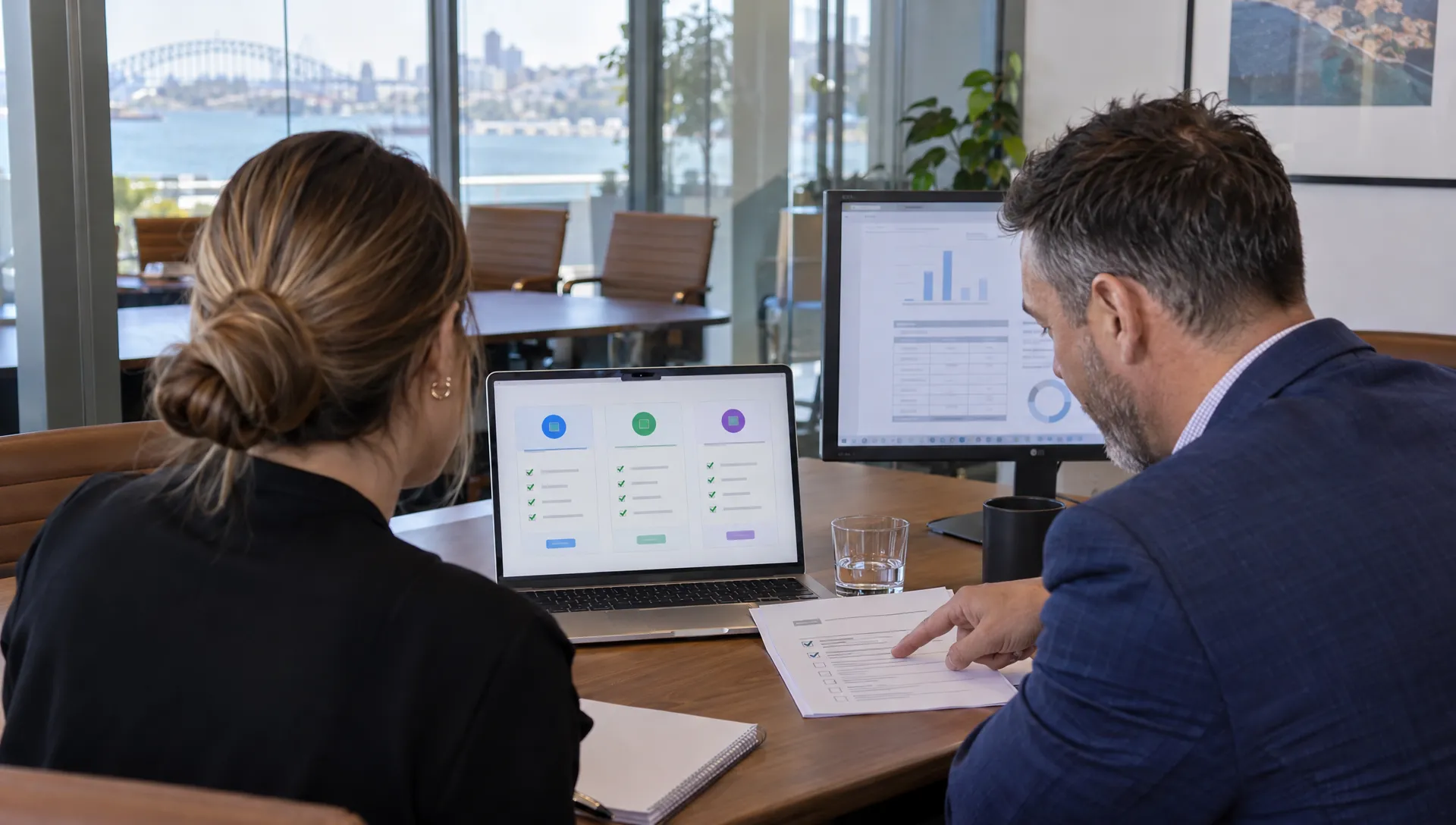
We recommend testing representative transactions in a trial or demonstration environment. A feature checklist cannot show whether staff can complete a process efficiently or whether the resulting accounting entries are correct.
Our test would include the transactions most likely to expose weaknesses:
- Sales and collections: Raise an invoice, receive a part-payment, apply a credit and reconcile the bank receipt.
- Purchasing and GST: Process supplier documents with different GST treatments and check the supporting BAS detail.
- Payroll: Test the required pay categories, leave, superannuation and STP workflow using appropriate sample data.
- Reporting: Produce the management pack and trace a reported balance back to its underlying transaction.
We tailor the test to the business model. For an Australian bridal retailer with a product range like Le Michel Bruidsmode’s bridalwear collection, we would include size and colour variants, customer deposits and alteration charges. That combination reveals more than a generic stock demonstration.
For a consulting firm, we would instead prioritise project profitability, contractor costs and staged billing. For a group structure, we would examine inter-entity transactions and reporting boundaries.
We record each requirement as supported, supported through an integration or dependent on manual work. Any compliance-critical failure should be resolved before price or interface preferences influence the final decision.
Control migration, security and automated workflows
For tax prep and bookkeeping, migration is an accounting control exercise, not just a data import. We establish a cutover date and reconcile the source records before transferring balances or connecting live feeds.
Protect the opening position
We check the trial balance, bank reconciliations, outstanding customer and supplier balances, GST accounts and payroll year-to-date information. Where relevant, we also reconcile inventory, fixed assets, loans and shareholder or director accounts.
Historical documents and audit trails need an accessible retention plan. We confirm what transfers, what remains in the old system and how the business will retrieve records later. A successful import message does not prove that the accounts are correct.
Automate with review controls
We assess role-based access, multi-factor authentication, bank-detail change controls and user removal procedures. We also clarify data hosting, third-party access and export arrangements before introducing connected applications.
Our AI-driven approach streamlines financial workflows with controls designed to improve accuracy, speed and real-time visibility. We retain human review for exceptions, material adjustments and tax-sensitive decisions. A suggested expense category does not establish deductibility, and an automatically matched transaction still needs appropriate oversight.
For directors, we define a short post-migration review period with named owners for unresolved balances, duplicate transactions and failed integrations. That accountability protects the reporting foundation needed for strategic advisory and corporate growth.
Frequently asked questions
Can software handle tax prep and bookkeeping without an accountant? We distinguish routine processing from professional judgement. Software can organise records, assist reconciliation and support reporting. It does not independently resolve business structures, tax adjustments, FBT exposure or complex investment issues. We match professional support to the business’s risks and obligations.
Which platform is best for several companies or investment entities? We assess each entity’s ledger, access controls and compliance obligations, then test consolidated reporting separately. We would not assume that support for several businesses provides group consolidation, intercompany eliminations or specialist investment tax schedules within one subscription.
Will switching platforms fix inaccurate accounts? We would not expect migration alone to correct poor records. Incorrect opening balances, duplicate transactions and inconsistent GST coding can carry across. We recommend resolving material issues before conversion and validating the new system against an agreed opening position.
Can the same platform support operations in Adelaide, Sydney and Melbourne? We assess national access separately from state-based obligations. Shared cloud records can support a distributed team, but payroll tax, workers compensation and other requirements still need appropriate treatment. Our integrated service approach supports clients across these cities and throughout Australia.
Should we choose whichever platform our accountant prefers? We consider adviser capability important, but not decisive. The chosen system must also suit internal users, operational integrations and management reporting. We recommend agreeing the operating requirements first, then confirming that the adviser can support the configuration.
Next steps: build a shortlist around business outcomes
We recommend beginning with a requirements review rather than a subscription purchase. The useful starting material is a recent management pack, current software costs, payroll details, entity structure and a list of recurring manual tasks.
At Perfect Accounting & Tax Services, we bring 25 years of professional experience to the assessment of tax prep and bookkeeping workflows. We connect platform selection with tax planning, virtual CFO advice and the financial visibility required for corporate growth.
Our team provides integrated support across Adelaide, Sydney and Melbourne, alongside services for businesses throughout Australia. We can help assess the current accounting environment, prioritise automation opportunities and define a controlled transition.
Contact our firm for a consultation to discuss Xero, MYOB or QuickBooks and how our automated accounting workflows can support stronger financial control.